
If you are logged in on to many computers at the same time, SilverFast 9 will not allow you to connect with another computer. You need to disconnect SilverFast 9 on one of your computers. If that computer is not at hand or no longer useable due to a hardware defect, you can use your MySilverFast Account to log out from a remote computer:
|
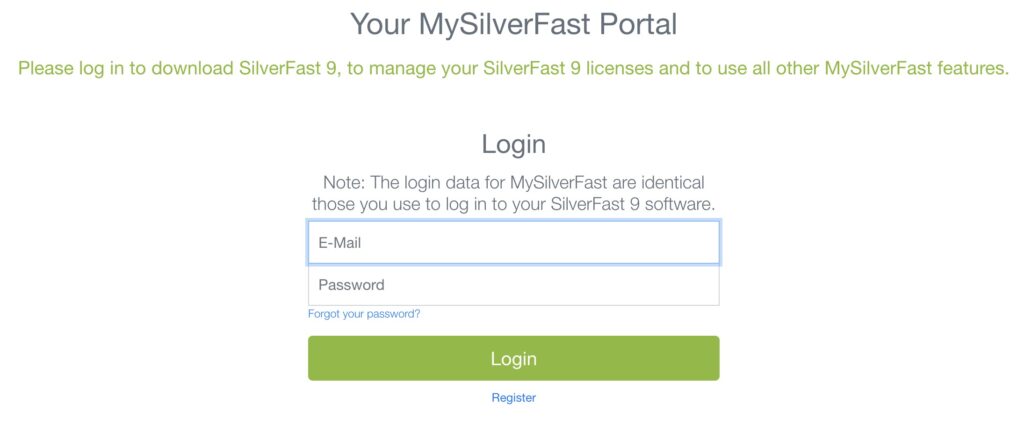
1. Go to your MySilverFast account and log in.
|
 |
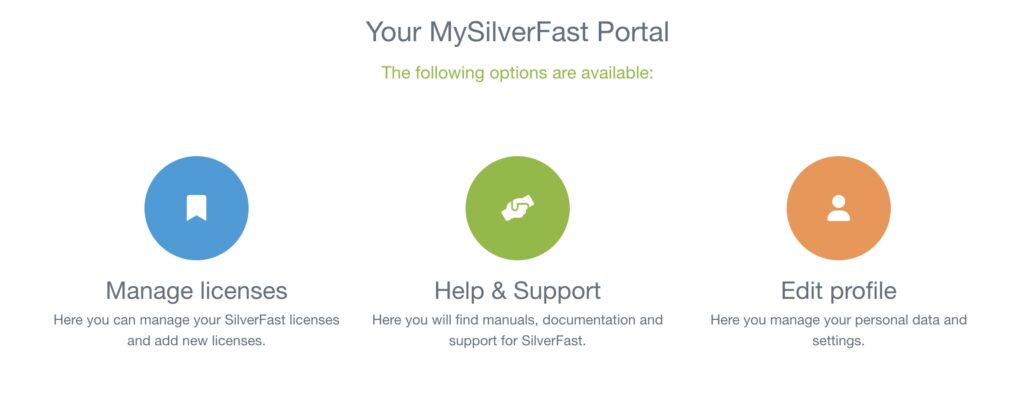
| Click on “Manage Licenses”. |
 |
|
3. Look up the license that has too many activations and click on the the three dots in the upper right corner.
|
 |
|
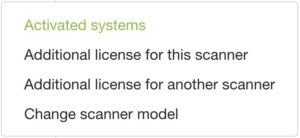
4. Click on “Activated Systems” and then on the paper bin next to the system where you want to log out.
|
 |


