
If you are experiencing getting a message “unknown error” shown in the SilverFast progress status, we suggest to disable the “QuickScan” software running in the background.
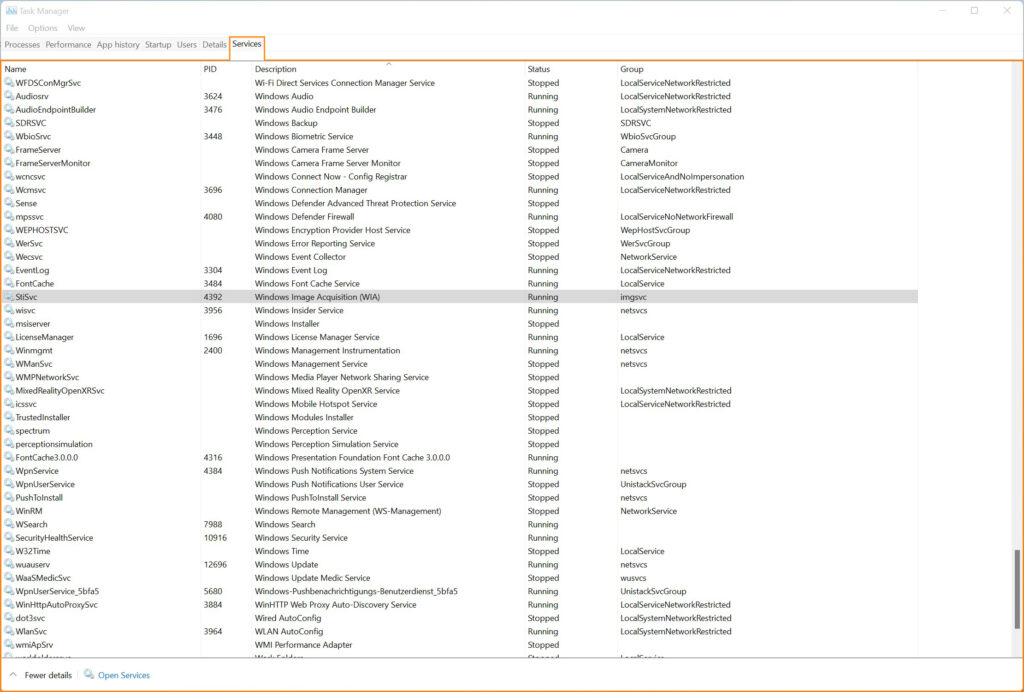
This is either done by using the keyboard shortcut WIN+X, select “Task Manager“.
Click the task manager’s icon for the tab to display the apps to run on Windows startup, locate “QuickScan” in the list, right-click and disable.
Alternatively, you can use WIN+S, search for “Startup”, open that settings option, and change the mode for QuickScan to “Off“.
More info on how to do configure startup apps is provided by Microsoft on:
To complete the configuration, reboot your computer.
This problem only occurs on and correspondingly the fix only applies to Microsoft Windows operating systems.
The cause for it is assumed to be a driver interference.


