
You are trying to run SilverFast 9 on macOS, but instead of it showing the Welcome Screen, you suddenly get an error message stating that the “SilverFast installation is corrupted”, and it is missing files.
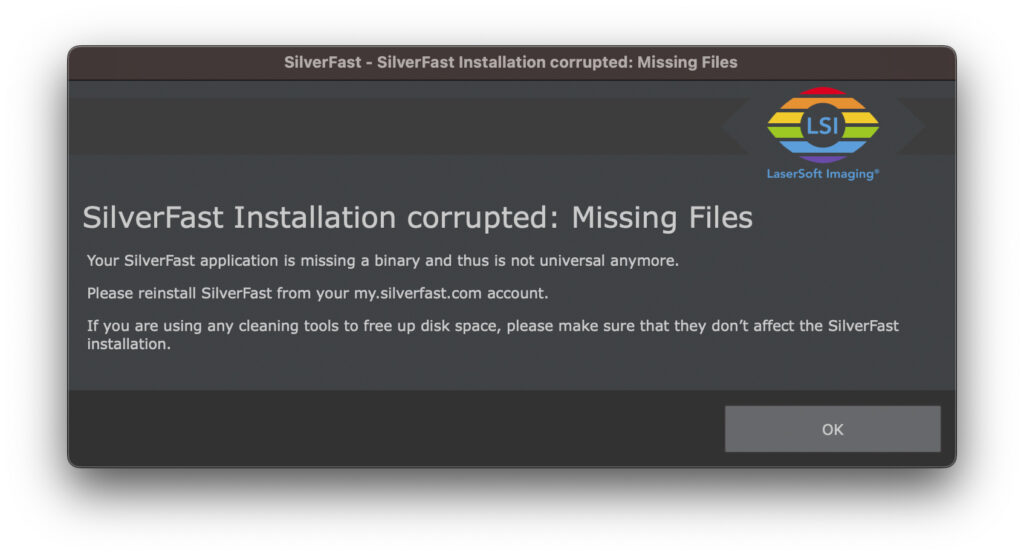
This might have occured because of a “cleaner” utility having removed files it deemed unnecessary.
But it was wrong about that.
What needs to be done to resolve the problem?
Please delete
/Library/Application Support/LaserSoft Imaging
and
/Applications/SilverFast Application
Then empty the trash.
Now run the SilverFast 9 installer again, and login.
You can download the SF9 installation app as often as you like from:
https://my.silverfast.com/?action=licenses
How to avoid such misfortune in the future?
Easy – do not use such tools.
Apple’s macOS does not need any “cleaning”, and those utilities cannot know what other apps are actually requiring. You’ll save yourself some hassle.
At the very least – look for an option where parts are deleted from installed software and disable that feature. In case of SilverFast that will probably have been the removal of ARM or Intel binaries.


